Live demo
A fresh code for every login
The same animated pattern shown on a real Access Glow page — a new encoded session token, never reused.
yoursite.com/wp-login.php
 Access Glow
Hold your phone up and point it at the screen.
Access Glow replaces the WordPress password field with an encoded visual token. Users approve the match from their phone using biometrics — fingerprint or face. No credentials to type, steal, or forget.
The same animated pattern shown on a real Access Glow page — a new encoded session token, never reused.
Access GlowHold your phone up and point it at the screen.
Install the plugin, register your site, and your users log in visually — no passwords anywhere in the chain.
Add the Access Glow plugin to your WordPress site and activate it from your admin panel.
Link the plugin to your Access Glow account from the dashboard. Takes under two minutes.
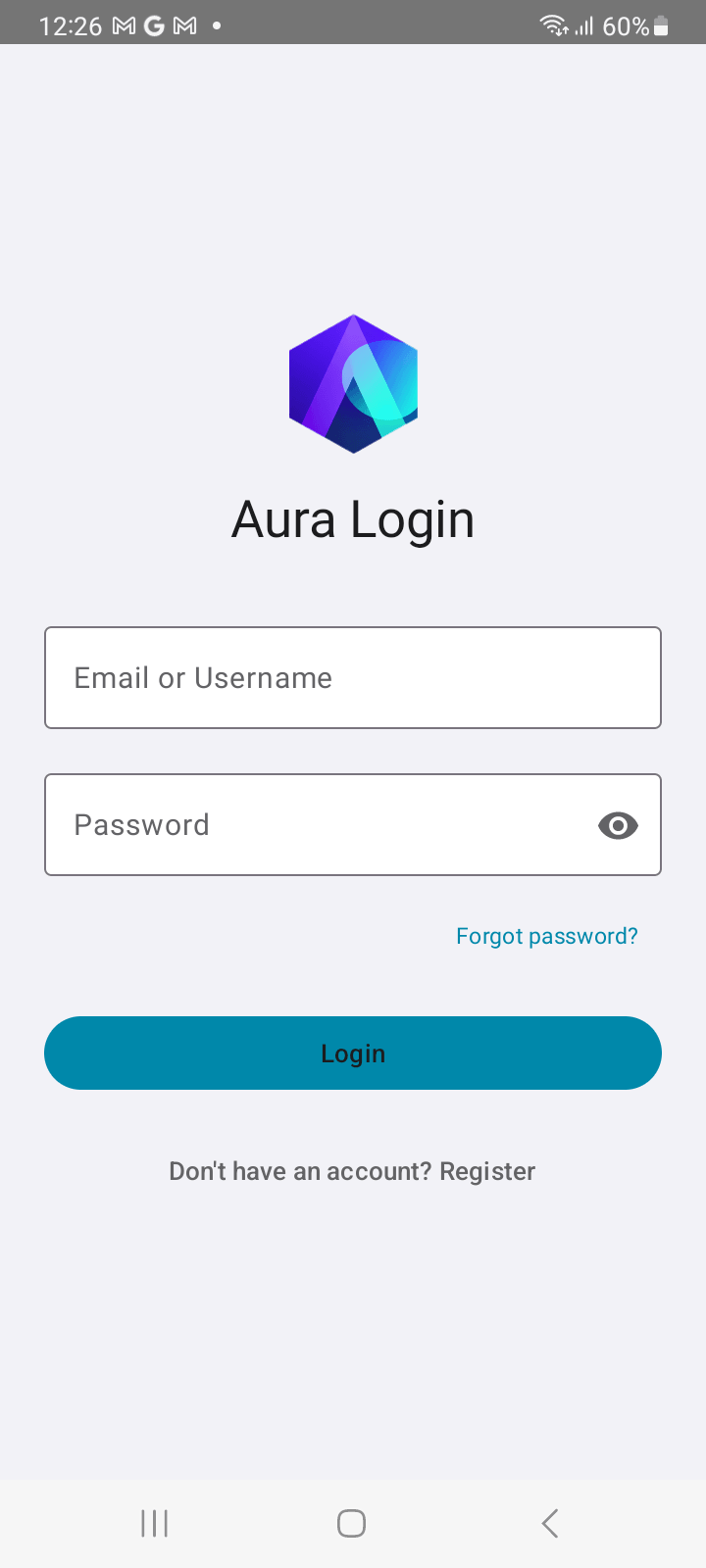
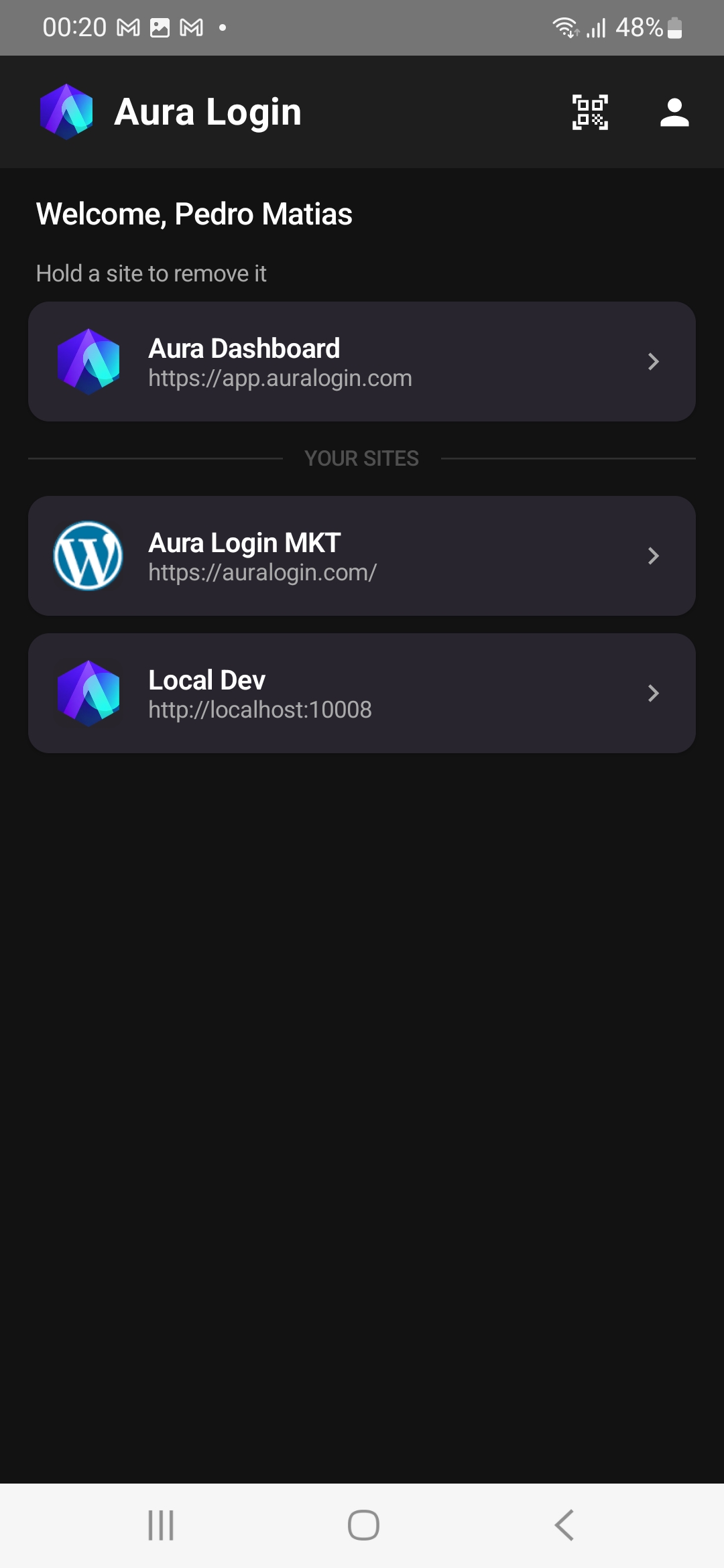
Users join by scanning a QR code with the Access Glow app. Every login after that is confirmed with their fingerprint or face — biometrics, not a tap.
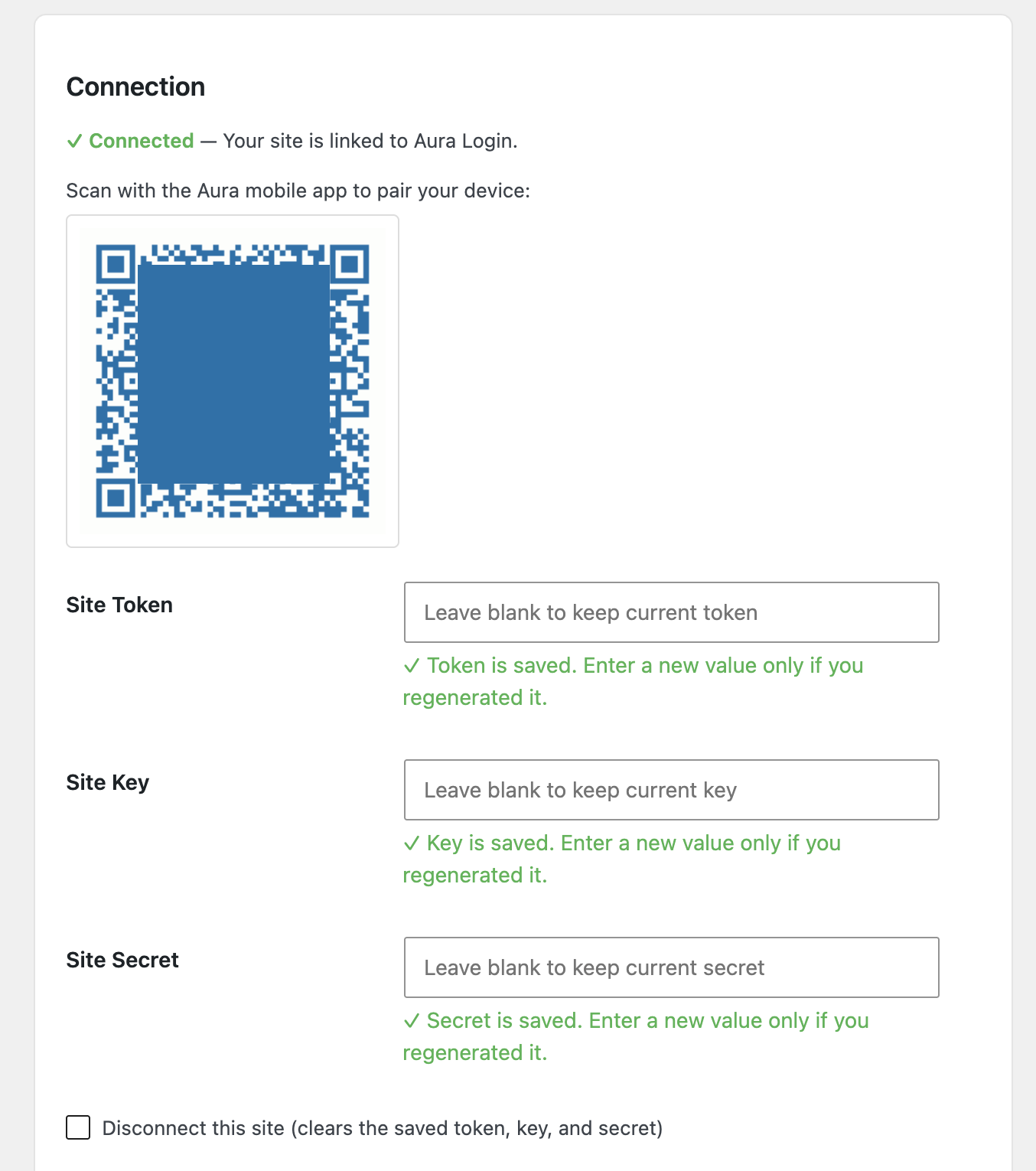
Install Access Glow from the WordPress plugin directory, connect it to your account, and your login page is immediately upgraded — no theme customisation required.
The Access Glow app is your users' authentication key. They create an account, join your site by scanning a QR code once, and from then on confirm logins with a biometric — fingerprint or face. No typing ever.
You can't phish what doesn't exist. Access Glow removes the attack surface entirely.
There are no passwords to steal, guess, or reuse. Users authenticate through an encoded visual token matched on their phone and confirmed with biometrics.
Each visual code expires in seconds. A captured or intercepted code is worthless before it can be replayed.
There are no credentials to enter on a fake page. The user confirms an encoded token with their biometrics — something no phishing site can intercept or replicate.
We're accepting a small, hands-on group — the first 20–30 people whose feedback we can act on directly. In return for testing thoroughly and telling us what's broken, confusing, or insecure, here's what's in it for you.
Active tester requirements
Rewards are earned by testing, not by signing up — to qualify, you'll need to:
Access Glow is a WordPress plugin, so you'll need an existing WordPress site to test it.
Create an account in the Access Glow app and register your first site in under five minutes.
Open Dashboard